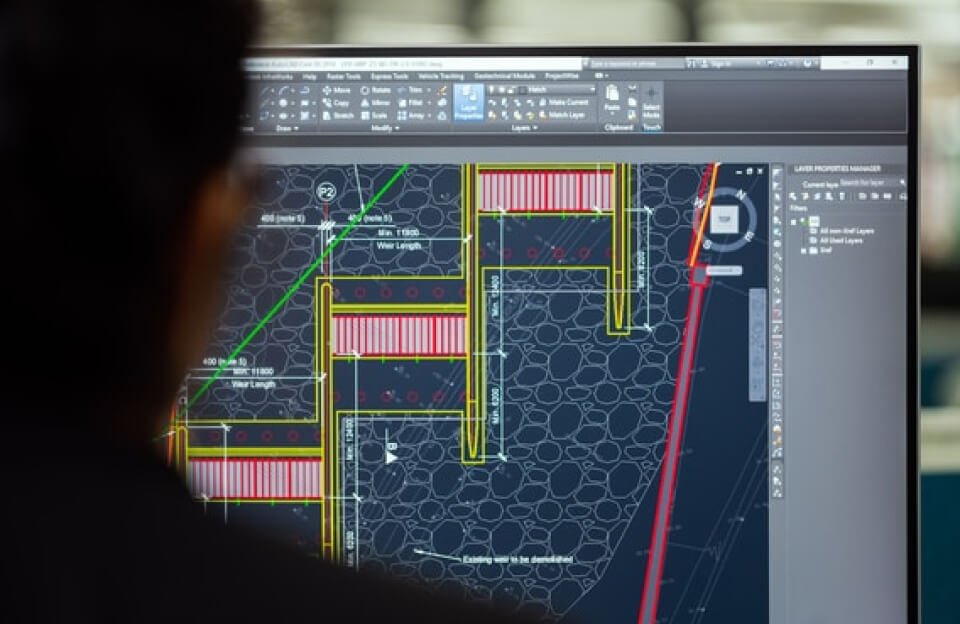
AutoCAD and other CAD tools are powerful programs used by engineers, architects, and designers to create precise drawings and 3D models. One of the best ways to work faster in CAD software is by learning and using keyboard shortcuts. These shortcuts allow users to perform commands instantly without navigating through menus.
Why CAD Shortcuts Matter
Using shortcuts in CAD can dramatically improve productivity. Instead of clicking through multiple toolbars, designers can simply type a command or press a key combination to execute tasks quickly. This saves time, reduces repetitive movements, and helps maintain workflow efficiency.
Common CAD Shortcuts
Here are some commonly used shortcuts in AutoCAD and similar CAD software:
- L – Draw a line
- C – Create a circle
- REC – Draw a rectangle
- M – Move objects
- CO – Copy objects
- TR – Trim lines or objects
- RO – Rotate objects
- SC – Scale objects
These shortcuts are widely used because they simplify everyday design operations.
Customizing Shortcuts
Most CAD programs allow users to customize keyboard shortcuts based on their workflow. Designers can create personalized commands for frequently used tools, making the design process even faster and more efficient.
Benefits of Learning CAD Shortcuts
- Faster design workflow
- Reduced time spent navigating menus
- Improved productivity for large projects
- Easier handling of complex drawings
Conclusion
Mastering shortcuts is an essential skill for anyone working with CAD software. Whether you are a beginner or an experienced designer, learning and using keyboard commands in AutoCAD can significantly improve speed and efficiency when creating technical drawings and models.