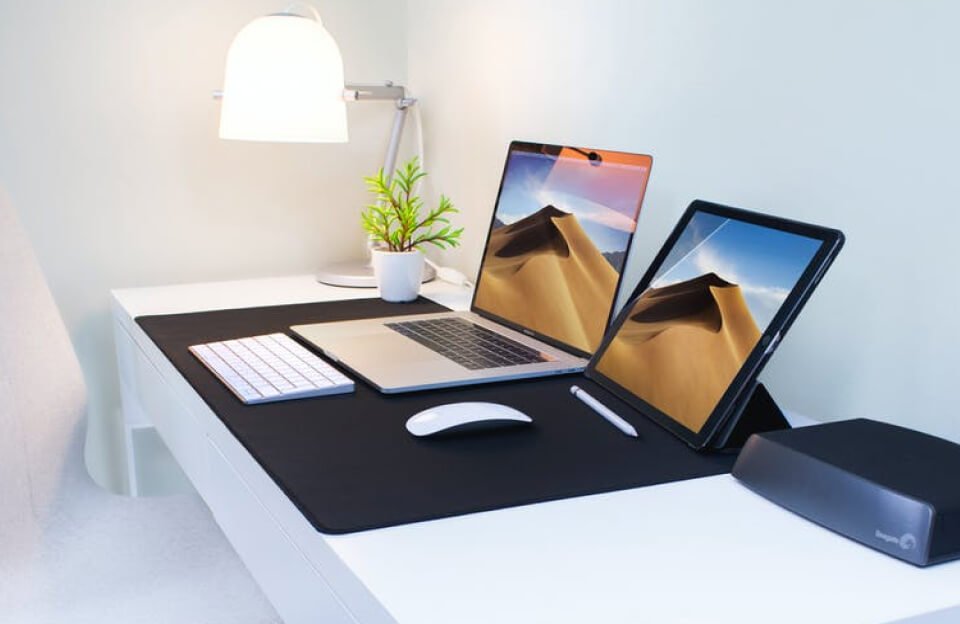
Running macOS and Windows 10 on the same computer allows users to enjoy the benefits of both operating systems on a single machine. Many professionals and developers prefer this setup because it provides access to software that may only be available on one platform while still maintaining flexibility.
Why Use macOS and Windows on the Same Computer?
Both operating systems offer unique advantages. macOS is known for its stability, security, and seamless integration with Apple devices, while Windows 10 is widely used for gaming, enterprise software, and a large variety of applications. By installing both systems on one computer, users can switch between them depending on their needs.
Methods to Run macOS and Windows Together
There are several ways to run both operating systems on the same device:
1. Dual Boot
Dual booting allows you to install both macOS and Windows on separate partitions of the same hard drive. When the computer starts, you can choose which operating system to launch. This method provides the best performance because each system runs directly on the hardware.
2. Virtual Machines
Another option is using virtualization software such as
VMware Workstation or
Oracle VM VirtualBox.
Virtual machines allow you to run one operating system inside another. For example, you can run Windows inside macOS without restarting your computer. While convenient, this method may use more system resources.
3. Boot Camp (For Mac Computers)
Apple provides a tool called
Boot Camp
that allows Mac users to install Windows alongside macOS. It helps create a partition and install the necessary drivers so Windows runs properly on Apple hardware.
Important Requirements
Before installing both systems, make sure you have:
- A computer with enough storage space
- At least 8–16 GB RAM for smooth performance
- A backup of important files
- Installation media for both operating systems
Final Thoughts
Running macOS and Windows on the same computer is a practical solution for users who need access to both ecosystems. Whether you choose dual boot, virtual machines, or Boot Camp, the setup can greatly increase productivity and compatibility with different software environments.